
Online HD Photo Converter
Upgrade your image library from Standard Definition (SD) to High Definition (HD) without losing quality. Unlike standard converters that just change file formats, our AI engine adds pixel density and refines textures, making your small photos look native on modern Retina and 4K displays.
- SD to HD/4K – Boost image resolution up to 400%.
- Smart Refinement – Enhance texture while converting.
- Any Format – JPG/PNG/WEBP to High-Quality HD.
Supported formats: JPG, PNG, WEBP
10,000+
1M+
99%
< 10s
Professional HD Conversion
Make your photos screen-ready for any device.
Convert Social Media Downloads to HD
Images downloaded from social platforms are often compressed and small. This HD photo converter restores their original glory by removing compression artifacts and boosting resolution for re-sharing or printing.
Great for:
- Instagram or Facebook photo downloads
- Upgrading WhatsApp shared images
- Creating HD wallpapers for desktops
Prepare Web Images for Print
Web images usually have low DPI (72k). Our tool converts them to high-resolution files suitable for printing, ensuring your brochures and flyers look professional, not pixelated.
Ideal for:
- Marketing materials and flyers
- Personal photo albums
- Large format posters
Fix Color Banding & Compression
Low-quality JPEGs often have ugly color banding. The converter smoothes out gradients and enhances color depth, giving you a true High-Definition look.
Fixes:
- JPEG artifacts and blockiness
- Color noise in dark areas
- Washed out colors
AI Denoising
High Definition means clean images. We automatically remove digital noise during the conversion process.
Results:
- Cleaner skies and backgrounds
- Smoother skin tones
- Professional clean look

HD Portraits
Make profile pictures and portraits look professional and sharp on high-density mobile screens.
Enhance:
- LinkedIn profile photos
- Team headshots
- Dating profile images
Instant Browser Conversion
No Photoshop needed. Convert your images to HD in the cloud.
Easy steps:
- Upload your low-res file
- Select target resolution (HD/4K)
- Download the new asset
How to Convert Photos to HD
Upgrade quality in seconds.
1. Upload Low-Res Photo
Select any small or blurry photo you want to upgrade.
2. Choose HD Mode
Select 'Ultra 4K' for maximum quality or 'Fast Clarity' for quick enhancement.
3. Get HD Result
Download your new high-definition image ready for print or screens.
AI Converter vs. Basic Resizer
Quality matters.
| Feature | AI HD Converter | Standard Resize |
|---|---|---|
| Edge Quality | Sharp & Defined | Blurry & Pixelated |
| Details | Added by AI | Stretched |
| Noise Reduction | Automatic | None |
| Texture | Realistic | Flat |
| Resolution Limit | Up to 8K | Unlimited (but bad quality) |
HDPhotoConverter.WhyChooseUs.title
HDPhotoConverter.WhyChooseUs.subtitle
HDPhotoConverter.WhyChooseUs.items.detail.title
HDPhotoConverter.WhyChooseUs.items.detail.description
HDPhotoConverter.WhyChooseUs.items.speed.title
HDPhotoConverter.WhyChooseUs.items.speed.description
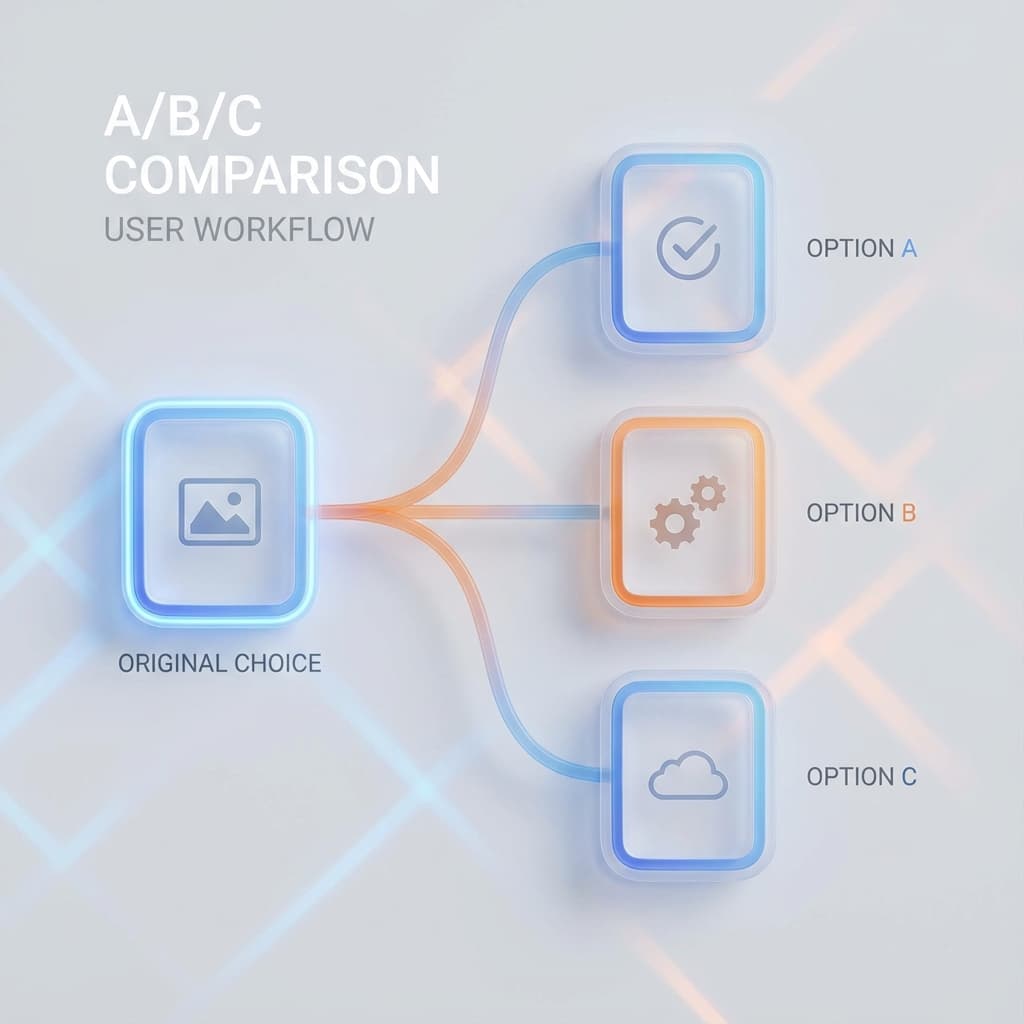
HDPhotoConverter.WhyChooseUs.items.compare.title
HDPhotoConverter.WhyChooseUs.items.compare.description
HDPhotoConverter.WhyChooseUs.items.privacy.title
HDPhotoConverter.WhyChooseUs.items.privacy.description
Success Stories
See how others are using HD Converter.
"Clients often send low-res logos. This tool saves me from having to redraw them."
"Converted all our old blog assets to HD. The website looks much more modern now."
"Great for upscaling cropped images. I can crop in 50% and still get a full HD file."
"The only tool I trust to prep customer phone photos for canvas printing."
"Used it for my thesis presentation. My images looked crisp on the big projector."
HD Converter FAQs
Learn more about resolution upscaling.
HDPhotoConverter.CTA.title
HDPhotoConverter.CTA.subtitle